 Shopping from Canada?
  Go to Defender Canada!

Boaters’ Buyer Guide to Marine GPS Units
A good marine GPS does more than tell you where you are. It helps you run a safer line, avoid trouble, and get home without drama. Pick the wrong unit, and you’ll fight it every trip.
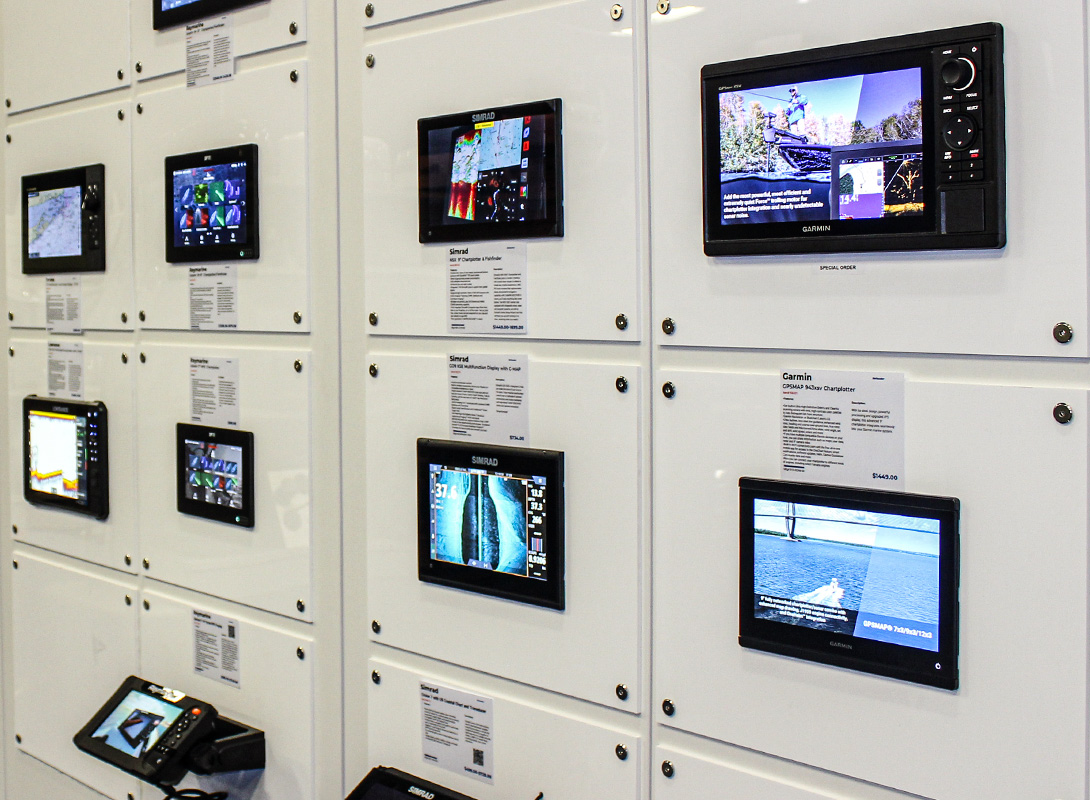
Everything You Need to Choose the Right GPS, Chartplotter, or MFD for Your Boat
Today’s huge range of options, from basic GPS displays to full-blown MFDs that tie in radar, AIS, sonar, and autopilot, may leave you wondering what actually matters on your boat. In this guide, we’ll cover the different types of marine GPS units, the features worth paying for, and what to skip. You’ll also learn how to match a unit to your boating style, whether that’s fishing, cruising, sailing, or weekend runs, so you buy once and rig it right.
Shop Popular Marine GPS Products & Accessories
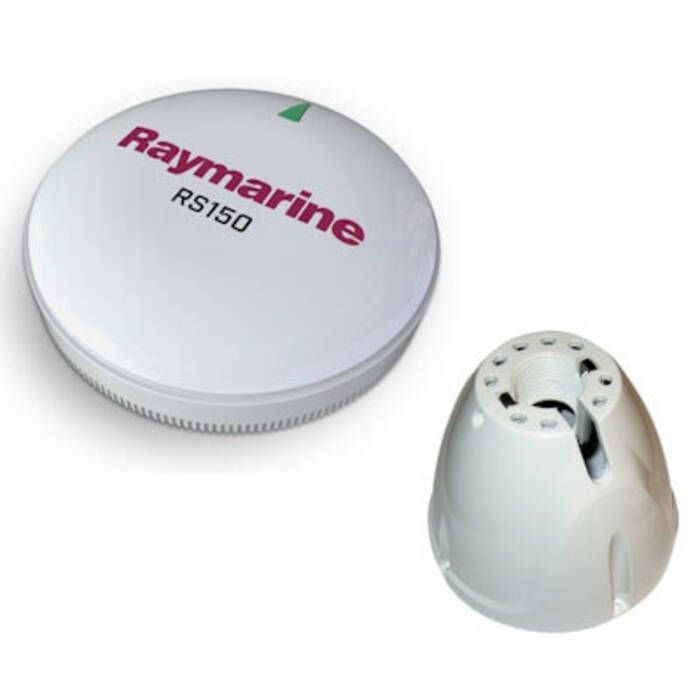
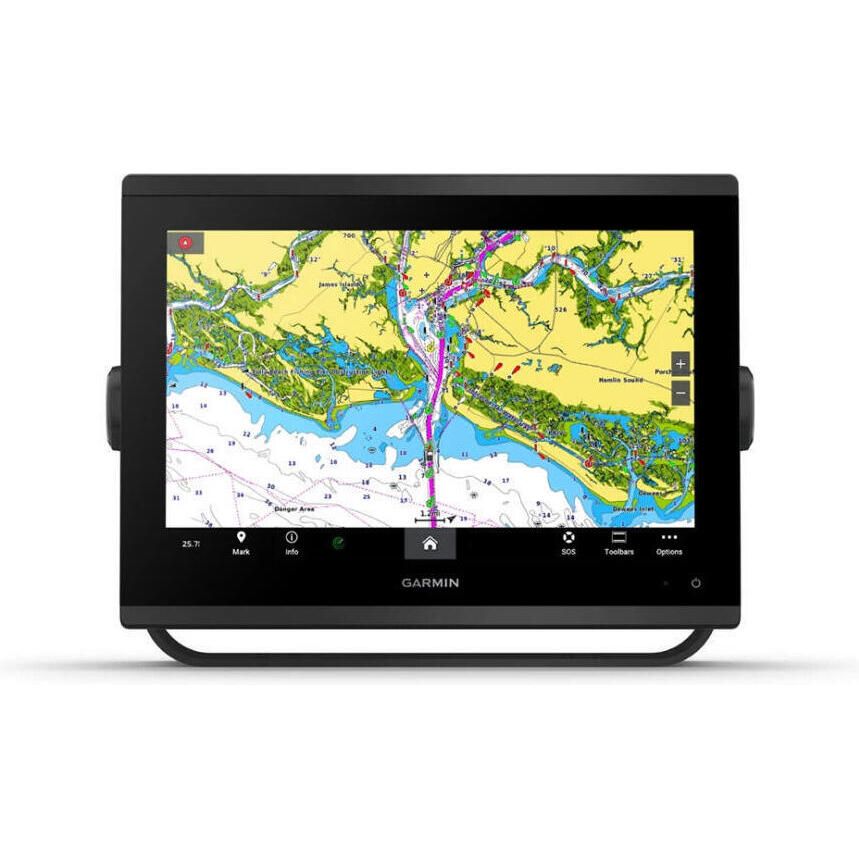
What Is a Marine GPS (and Why Every Boater Needs One)
Even if they all show your position, not all marine GPS systems do the same job. While some are built for simple navigation, others are made to run charts, sonar, radar, and boat data on one screen. And understanding the difference between different marine GPS units will help you improve safety, navigation, and trip planning.
GPS vs Chartplotter vs Multifunction Display (MFD)
A basic marine GPS tells you where you are and where you’re headed, and that’s it. A chartplotter adds marine charts, routes, waypoints, and a better picture of what’s around you. And an MFD goes further, since it can pull radar, sonar, AIS, and engine data into one place.
So which one fits your boat depends on how you run it. If you stay on familiar water and want simple guidance, a GPS can do the job. But if you fish hard, cruise new coastlines, or run offshore, a chartplotter or MFD is usually the smarter buy.
Shop Popular Chartplotters
How GPS Enhances Safety, Navigation, and Trip Planning
GPS helps you keep your bearings when the weather turns, the light drops, or the coastline stops making sense. It also lets you plot a route, mark hazards, and track your run back to the inlet without guessing. Better still, it builds confidence because you are navigating with real information, not hope.
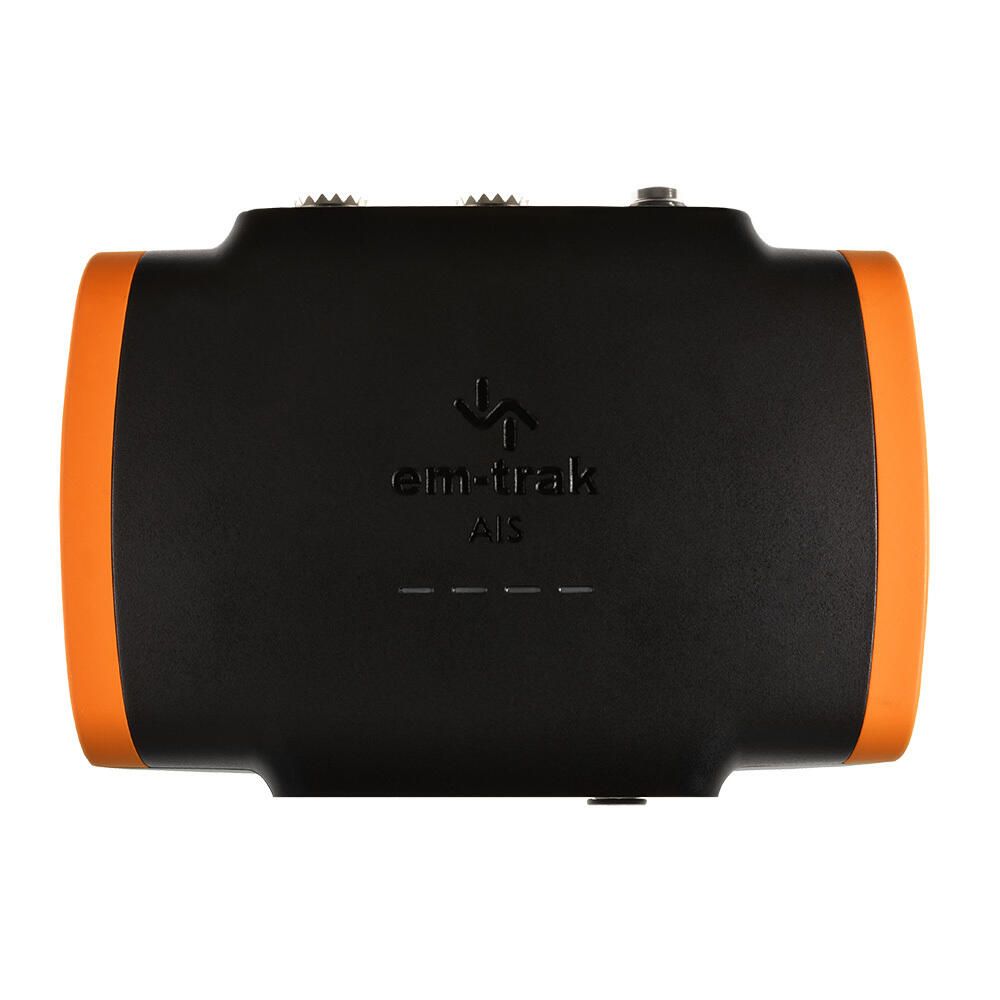
Even so, GPS is strongest when it works with the rest of your safety stack. Pair it with AIS so you can see targets and get a clearer story in busy water, and back it up with a VHF radio so you can call when you need help. That combination makes your helm calmer and your decisions faster.
Types of Marine GPS Units (Which One Fits Your Boat?)
Not every boat needs the same kind of marine GPS. A bass boat and a center console shop for different priorities, and a sailboat plays by different rules. The sections below break down the main unit types, so you can match the gear to how you actually run your boat.
Fixed-Mount Chartplotters
A fixed-mount chartplotter is the workhorse choice for center consoles, cruisers, and most sailboats. It lives at the helm, stays wired in, and gives you a clear chart view that you can trust. If you run new water, boat at night, or deal with fog, this is usually where you start.
It also scales up as your needs grow. Bigger screens make it easier to read charts at a glance, and they play well with radar and AIS when you want more awareness.
Shop Fixed-Mount Chartplotters
GPS Fishfinder Combos
A GPS fishfinder combo is built for boaters who navigate with one eye on the chart and the other on the bottom. It’s a natural fit for bass boats, bay boats, skiffs, and inshore center consoles, but it works offshore too. If fishing drives the trip, this is the unit type that earns its keep.
Most combos support modern sonar tools, but the names can blur together. CHIRP helps you mark fish and structure with cleaner returns, while Down Imaging and Side Imaging offer a picture-like view of the structure below. If you want the best results, the right transducer matters as much as the head unit, so plan to shop our transducer selection along with the display.
Shop Fishfinder Combos
Multifunction Displays (MFDs)
An MFD is the right move when you want one screen to run the whole show. It can combine charts with radar, AIS, and sonar, and it can also display engine data, tank levels, and other sensors. If you run offshore, cruise long distances, or manage a busy helm, this setup keeps you ahead of the boat.
The key is to think in systems, not single boxes. An MFD works best when it lives inside a matched ecosystem, so the parts talk cleanly and share data without drama. That’s why cruisers and offshore anglers often build around one brand family, then add radar, autopilot, and sensors as they go.
Shop Popular MFDs
Handheld & Portable Marine GPS Units
Handheld and portable GPS units shine when you need something simple, rugged, and easy to move. They make sense for trailer boaters, small skiffs, and dinghies, since they’re easy to move around and stow. They also work as a backup on bigger boats, especially when you want a second position source.
Still, portables have limits, and you should know them up front. Screens are smaller, mounting is usually lighter-duty, and integration with radar, AIS, and sonar is often minimal. Even so, as a spare or a grab-and-go navigator, a handheld can save the day when the main display goes dark.
Shop Handheld GPS
Key Features to Look For in a Marine GPS
Once you know the type of unit you need, the real decision comes down to features. Some specs matter every day, while others are just noise unless you run offshore, chase fish hard, or build a networked helm. That’s why it’s important to understand big-ticket features, from screens and charts to sonar, networking, and power, so you know what to pay for and what to skip.
Screen Size & Visibility
Screen size and visibility control how fast you can read the chart and act on it. A bigger, brighter screen shows more detail without constant zooming. That means fewer wrong turns and fewer missed cues.
This matters most when conditions get ugly, since sun glare, spray, and vibration expose weak displays fast. Offshore anglers, cruisers, and sailors should prioritize brightness and readability because they run longer and in tougher weather. But if you stay on calm inland water in fair weather, you can often go smaller and still stay safe and oriented.
Mapping & Charts
Charts are the “world” your GPS runs on, and the details change depending on where you boat. Coastal cruisers need shoreline detail, depth shading, and hazards, while Great Lakes and inland boaters often care more about contours and marked channels. If the chart coverage is thin for your home waters, the fanciest screen in the world will not save you.
You also need to know what you are looking at. While vector charts scale cleanly and let you tap for details, raster charts look more like paper and can be easier to interpret.
For instance, tide and current layers and local data overlays often require chart updates or a paid subscription, especially in coastal areas. Navionics, C-MAP, Lighthouse, and TZ Maps can all work well, but the right pick is the one that covers your region and plays nicely with your display brand.
Sonar Capabilities (for Fishfinder Combos)
Sonar is what turns a GPS fishfinder combo into a tool you can actually fish with. It shows you bottom shape, structure, bait, and targets, so you are not just guessing.
If you fish lakes, bays, or offshore structures, you need to pay attention here. But if you mostly cruise and just want navigation, you can keep sonar simple.
CHIRP Sonar
CHIRP is the modern baseline for sonar. Instead of a single ping, it sweeps a range of frequencies for a cleaner return. That cleaner signal helps separate fish from clutter.
It matters because it sharpens what you see in real conditions. In chop, current, and dirty water, basic sonar can smear targets into noise. CHIRP helps keep arches and structure readable, so you stay on fish longer.
And anglers need it most, whether inshore or offshore. If you troll, jig, or work structure, CHIRP makes it easier to judge depth and target size. Even on lakes, it helps you see fish tight to cover.
DownScan, SideScan & Live Imaging
DownScan and SideScan are about detail and coverage. DownScan tightens the picture under the boat, while SideScan looks out to both sides. Live imaging adds near real-time feedback, so you can watch fish and lure movement.
This matters because it speeds up your search. Instead of driving over the same spot ten times, you can scan, mark, and set up a clean pass. That means more time fishing and less time hunting.
Freshwater anglers use these features hard, since they fish tight structure and want fast reads. Inshore anglers benefit too, especially on flats, edges, ledges, and wrecks. Offshore, it still helps, but CHIRP plus a solid transducer is usually the first priority.
Networking & Compatibility
Networking is how your GPS talks to the rest of the boat. It lets you share data across displays and pull in targets, headings, wind, depth, and engine info. If you cruise, run offshore, or want radar and AIS on the chart, this kind of networking is not optional.
NMEA 2000 vs NMEA 0183
NMEA 2000 is a shared network backbone that multiple devices can plug into. NMEA 0183 is older and usually runs point to point between devices.
This matters because NMEA 2000 makes upgrades cleaner and faster. With NMEA 0183, however, adding gear often means more wiring, more splices, and more troubleshooting.
Cruisers and offshore anglers need NMEA 2000 most because they stack systems over time. Sailors also benefit from NMEA 2000, especially when wind instruments and autopilot enter the picture.
Radar integration
Radar integration means your display can show radar returns on the same screen as your chart. You can also overlay radar targets on your route for faster interpretation.
This matters when fog rolls in, the sun drops, or traffic gets tight near an inlet. In those moments, guessing burns time and time is what you do not have.
Offshore anglers and cruisers get the biggest payoff because they run longer and farther. Coastal boaters who deal with fog or night runs should take it seriously, even if they stay near shore.
AIS integration
AIS integration puts AIS targets on your chart so you can see who is out there. It often shows course and speed too, so movement makes sense fast.
This matters most in busy water, especially near shipping lanes and ports. It also matters at night, since AIS can warn you before you can see anything clearly.
Cruisers, offshore anglers, and sailors benefit the most because they share water with bigger, faster traffic. Inland boaters can usually treat AIS as optional, unless commercial traffic is common on their route.
GPS Accuracy & WAAS/GLONASS Support
GPS accuracy is how tightly your position on the screen matches your real position on the water. WAAS support can tighten that fix, and multi-constellation receivers like GPS and GLONASS can hold a better lock when conditions are poor. The result is a steadier track line and fewer “jumping” positions.
It matters most when you are threading tight water, running at night, or navigating in skinny channels where small errors feel big. Offshore, a stable fix also helps with route tracking and safer returns when visibility drops. Everyone benefits, but anglers working structure and boaters running unfamiliar water will notice it first.
How to Choose the Right Marine GPS for Your Boating Style
The right marine GPS depends on how you use your boat, not what looks best on a spec sheet. If you fish freshwater, you will care most about sonar and lake contours. However, offshore runs demand brightness, radar, and AIS that stay readable when conditions get rough.
For Freshwater Anglers (Bass Boats, Lake Boats)
For freshwater fishing, where structure matters more than drawing a perfect route, you’ll want to start with sonar. After all, you’ll need clean returns, fast refresh, and tools that help you mark fish, brush, and breaks without guessing. So a combo unit makes sense here because it keeps charts and sonar in one place.
Of course, mapping still matters, but it is about the right kind of detail. Look for strong lake contour coverage, depth shading, and easy waypoint management for milk runs and seasonal patterns. A mid-size screen is often the sweet spot here because it is readable on plane, but it will not eat your dash or your budget.
For Offshore Anglers (Center Consoles, Sportfish Boats)
Offshore is where navigation stops being nice and starts being serious. You need a display that stays readable in full sun, and you want radar and AIS so you can see traffic, weather, and targets before they become problems. After all, when you are running long distances, situational awareness is the whole game.
That is why many offshore boats end up on larger systems. A 9–16” MFD gives you room for split screens, overlays, and big data without constant menu digging. And while it'll cost more up front, it’ll pay for itself when the sea state rises and the decisions get faster.
For Sailors (Cruising & Coastal)
For sailing, low power draw is not a nice extra, but survival on a long anchor stretch. You want a unit that runs steady without draining the house bank so you are not choosing between navigation and lights.
Controls matter too, since wet hands and spray are part of the deal. Keypads often beat touchscreens in rough conditions, because buttons still work when fingers do not. If you also want wind, depth, and heading on the screen, make sure the unit supports NMEA 2000 so instruments and autopilot data play nice.
For Cruisers & Liveaboards
Cruisers and liveaboards should think in whole systems, and not single screens. You will likely want charts, radar, AIS, and boat data working together across more than one station. Because when that network is clean, the helm feels calmer.
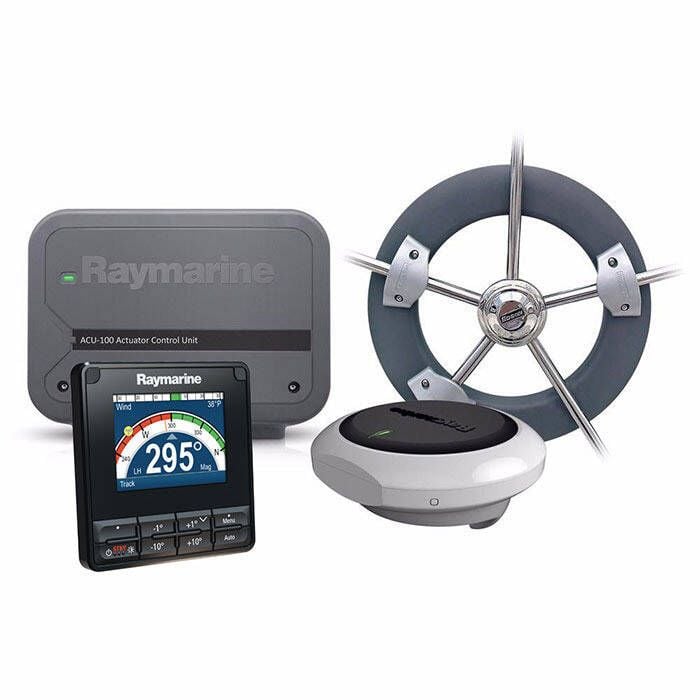
Multi-display setups earn their keep because you can split duties and keep information where you need it. Redundancy also matters, since a backup display or second position source can keep you moving when gear fails. And if you add autopilot integration, the system becomes part of how you run the boat, not just another gadget.
For Trailer & Small Boat Owners
Small boats need navigation gear that is simple, tough, and easy to stow. A handheld GPS or a compact fixed-mount chartplotter covers most day trips without turning the console into a wiring project. It also keeps the setup flexible when the boat lives on a trailer.
Of course, power is the quiet limiter on small rigs, since voltage drop and weak batteries are a reality. That is why battery-efficient units and clean wiring matter more than oversized screens. If you want a backup plan, carry a handheld and keep it charged, but do not let it replace a properly installed main unit.
Installation Basics: What to Know Before You Buy
A marine GPS is only as good as the install behind it. Clean power, solid mounting, and the right transducer make the unit feel sharp and reliable, rather than glitchy and annoying. So you’ll need to know your way around power, mounting, sonar installs, and chart updates before you invest in the right GPS solution.
Power Requirements
Power is where most GPS installs succeed or fail. You need the right fuse or breaker, a clean feed, and wire sized for the actual run. If voltage drops, the unit can dim, reboot, or act flaky right when you need it. For a deeper dive, link out to Defender’s Wiring Tips guide and the Battery Selection guide, then come back and size the system correctly.
This matters because modern displays are sensitive, and boats are noisy electrical environments. Loads stack up fast, so cruisers, offshore boats, and anyone running networks, radar, or multiple screens should plan power first.
Mounting Options
Mounting is not just about looks, it is about readability and durability. Your goal is a screen you can see at a glance, and reach without twisting around the helm. After all, if it is awkward to use, you will stop using it well.
This matters because boats bounce, and weak mounts creep loose over time. Helm mounts keep the display in your sightline, while rail mounts work well on open consoles and tight dashes. If you want a cleaner, tougher install, look at NavPods, and check our mounting accessories pages for brackets, rails, pods, and hardware.
Transducers (If Sonar-Enabled)
The transducer is the part that sends and receives sonar, so it has a bigger impact than most people expect. A great display with the wrong transducer will still show a weak picture. If you care about sonar performance, start here.
This matters because installation style changes what the transducer can “see.” Transom-mount transducers are common on smaller powerboats, while thru-hull installs can deliver cleaner reads at speed. Also, on sailboats, placement takes more thought because keels and turbulence can block signals, so you want a setup that stays in clean water.
Software & Chart Updates
Your GPS is only as good as the charts and software running on it. Updates can fix bugs, add features, and improve chart detail, but they also come with compatibility rules. If you ignore that, you can end up paying twice or losing features you expected.
This matters most if you boat in changing waters or rely on layers like tides, currents, and local data. Many chart options use subscriptions for updates, and some features only work with specific brands or units. Before you buy, confirm the chart system your unit supports, then plan how you will keep it current.
Regional Considerations for Choosing GPS Units
Where you boat changes what matters most in a GPS setup. In the Northeast and Great Lakes, short seasons push upgrades into the off-season, so chart coverage and glare-friendly screens tend to lead the list. However, in Florida and the Gulf Coast, year-round boating and offshore runs raise the value of radar and AIS, while the Pacific Northwest puts more weight on fog, rain, and hardware that holds up in wet conditions.
Northeast & Great Lakes
Up north, the season is short, so a lot of owners do upgrades in the off-season. That gives you time to plan the install right, not rush it at the dock. Use last season’s frustrations as your checklist, then rig for next season before launch day.
Chart coverage matters here, especially for Great Lakes and inland routes. Look for strong lake contour detail, plus clear channel markers where they exist. Since glare can be brutal on bright summer days, prioritize a screen you can read fast, even when the sun is in your face.
Florida & Gulf Coast
In Florida and the Gulf Coast, boating is year-round, so electronics get used hard. Offshore runs are common, and the weather can turn fast, even on a “quick trip.” That pushes you toward gear that stays readable, stable, and easy to trust.
Radar and AIS move up the list because visibility and traffic are real factors. AIS helps you track targets early, while radar helps you see through squalls, haze, and night runs. If you run offshore or cross busy inlets, integration is worth paying for.
Pacific Northwest
The Pacific Northwest is wet, and it stays that way, so reliability matters. Fog and rain can erase your visual references, even close to home. That is why radar integration is not a luxury up there, it is a practical tool.
Moisture resistance is also a day-to-day requirement, not a spec-sheet bonus. Look for sealed connections, clean cable runs, and mounts that do not flex in chop. If you boat in constant spray, choose hardware you can operate when the helm is soaked.
Top Accessories to Get the Most Out of Your GPS
A GPS unit is only part of the system, so the right accessories make it work better and last longer. Start with the basics, like the right mounts and housings, clean power cables, and proper fuse blocks. If the install is solid, the screen stays steady, readable, and reliable.
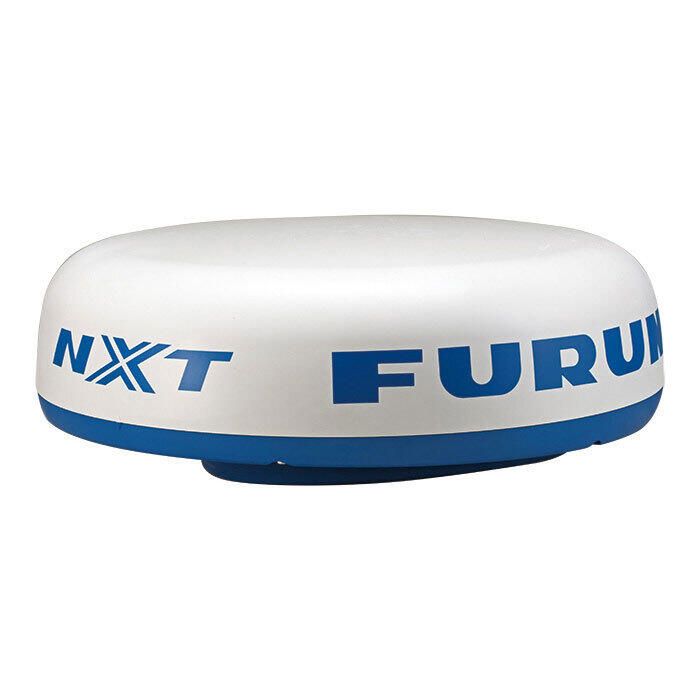
If you run sonar, do not skimp on the transducer, since it controls what you actually see under and around the boat. If you are building a networked helm, add NMEA 2000 starter kits so your gear shares data without drama. And if you run busy water or low visibility, AIS modules and radar domes turn your chart into real situational awareness.
Finally, protect the investment and plan for the day something fails. Use protective covers to keep sun and spray from cooking the display at the dock. Carry a backup handheld GPS so you still have position and a route home if the main unit goes dark.
FAQs
Buy the biggest screen you can read easily from your normal helm position, without crowding controls. On most boats, 7–9” is a solid starting point, while offshore and multi-window users often prefer 9–16”.
A basic GPS focuses on position and direction, while a chartplotter adds detailed marine charts, routes, and waypoint tools. If you navigate unfamiliar water or want more context around hazards and depth, a chartplotter is usually the better pick.
If you only need simple navigation on familiar water, a standalone GPS or basic chartplotter can do the job. If you want radar, AIS, sonar, autopilot, or engine data on one screen, an MFD is the cleaner long-term move.
You want a display that stays readable in full sun, even when you are wearing polarized sunglasses. Offshore boaters should prioritize sunlight-readable screens and proven visibility specs, because glare and spray will expose weak displays fast.
Touch is fast and intuitive, especially for zooming, panning, and dropping waypoints on the fly. Keypads win in wet, cold, or rough conditions, since buttons keep working when touchscreens struggle.
Very important if you plan to add AIS, radar, autopilot, instruments, or multiple displays over time. NMEA 2000 keeps installs cleaner and upgrades easier, while mixed standards can add adapters and extra rigging.
Yes, if you are comfortable with basic wiring, fusing, and clean mounting, and you follow the manual closely. If you are adding networking, radar, or thru-hull hardware, professional help can save you expensive mistakes.
Offshore, radar is strongly recommended because visibility changes fast and traffic can be serious. Coastal boaters should consider radar if they run at night, deal with fog, or cross busy inlets where situational awareness matters.
Change Locale