 Shopping from Canada?
  Go to Defender Canada!



Best Chartplotter & Radar Combos for 2026
Modern chartplotter and radar combos are no longer optional gear. Rather, they’re the core of how boaters navigate safely in all conditions. In 2026, the gap between a basic setup and a dialed-in system is wider than ever, and the wrong choice shows up fast when conditions get real.
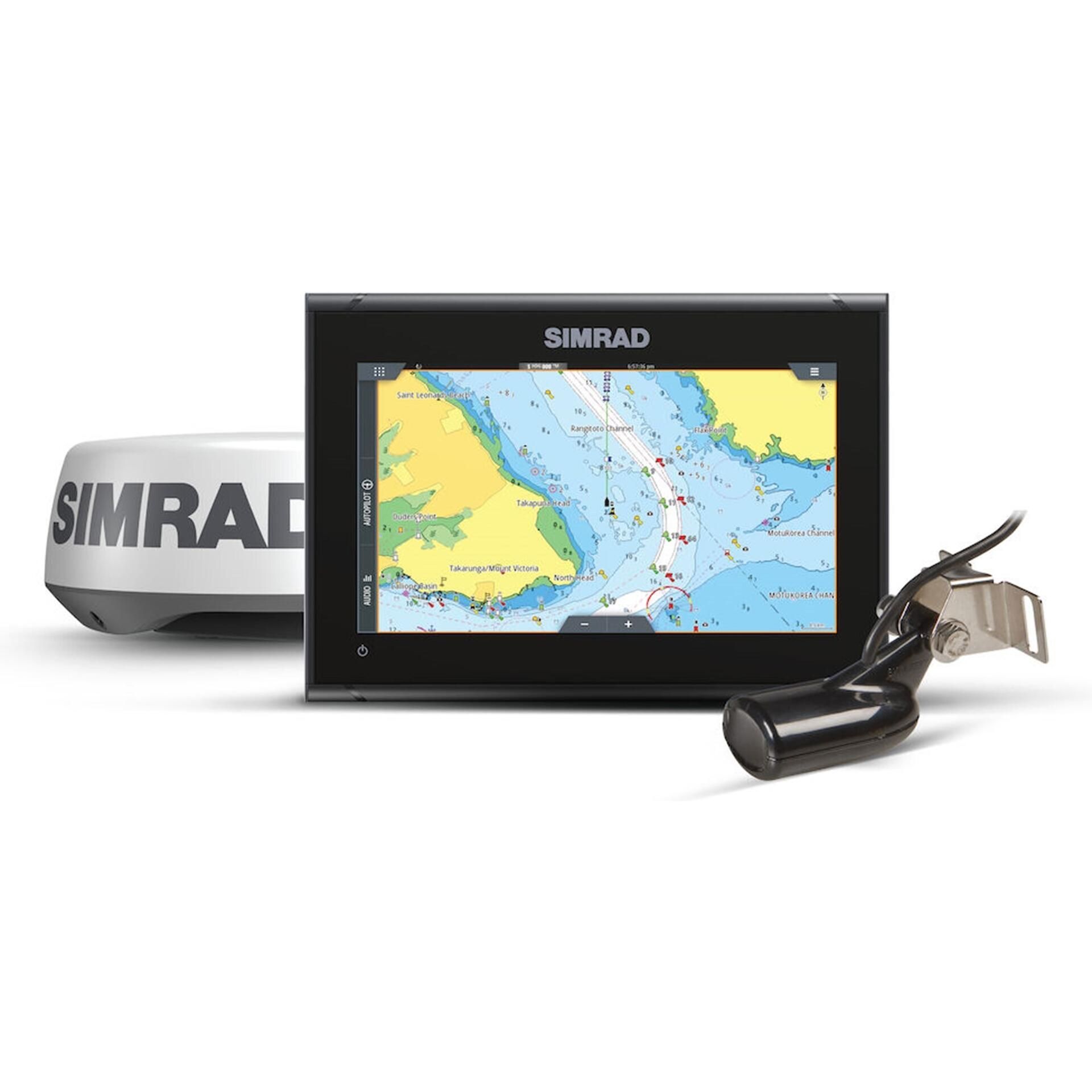
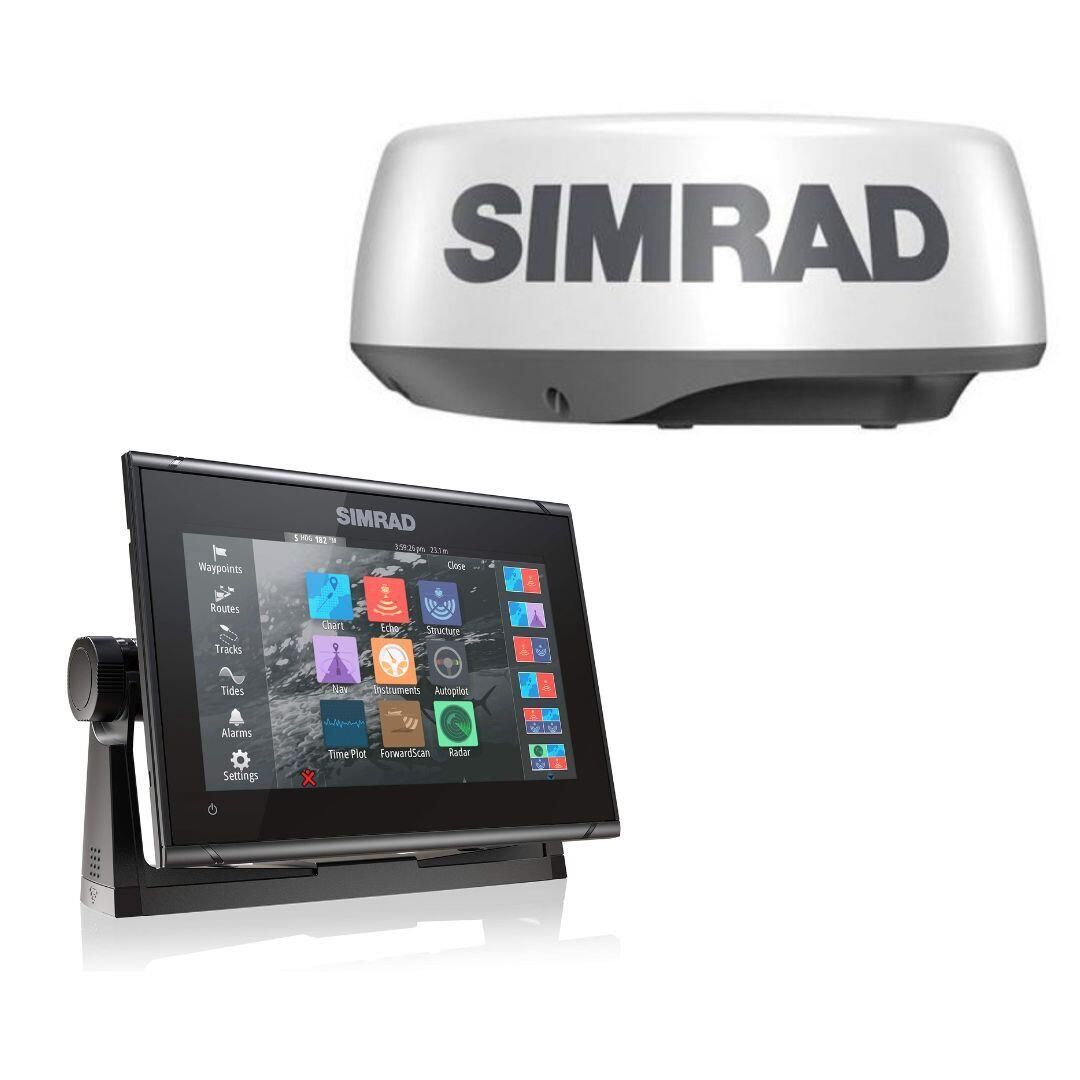
| Evaluation Factor | What It Means in the Real World |
| Reliability | Stable performance, minimal glitches, and gear that boots, connects, and runs the way it should every time |
| Display clarity | Screen brightness, resolution, and layout that stay readable in sun, spray, and rough water |
| Radar performance | Clean target definition, useful range, and strong performance in rain clutter and close-in work |
| Ecosystem compatibility | Smooth integration with radar, AIS, autopilot, sonar, sensors, and networking standards already on board |
| Ease of installation | Reasonable mounting, cable routing, and setup without turning the project into a full rewiring job |
| Long-term support | Software updates, parts availability, serviceability, and brand backing that still matter years later |
| Category | Practical Takeaway |
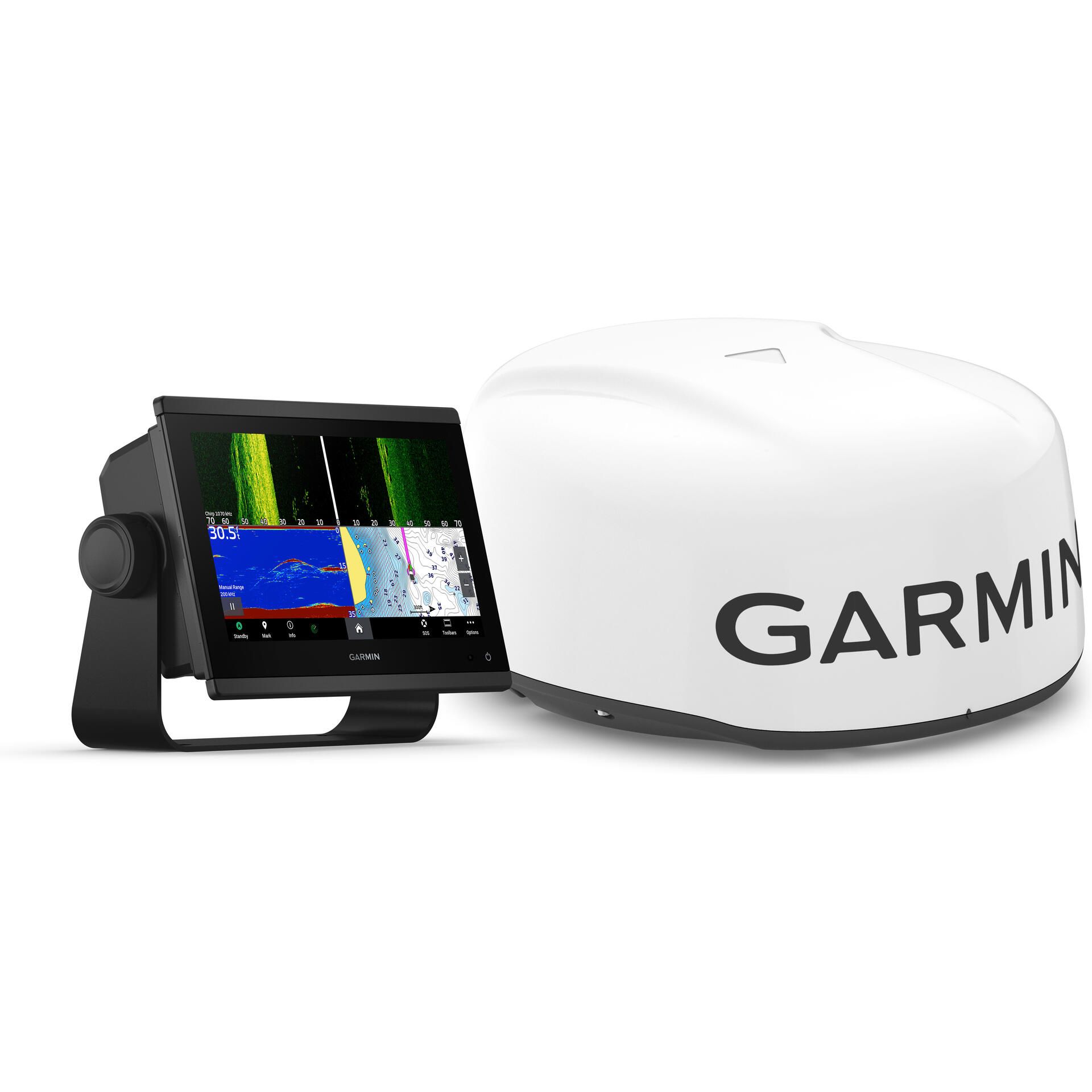
| Key specs & radar support | Mid-size GPSMAP 943xsv display with a fast, bright touchscreen and full Ethernet and NMEA 2000 networking. Pairs directly with the GMR 18 HD3 solid-state dome radar for Doppler target separation without the size or power draw of an open array. Charting, radar, AIS, and autopilot data share a single, stable network without adapters. |
| What it does best | Delivers strong close-range awareness in traffic and reduced visibility where fast interpretation matters. Radar overlays stay aligned with charts, which reduces second-guessing when visual references fall apart. The interface remains consistent across functions, helping concentration stay on the water instead of the screen. |
| Limitations | Performs best inside Garmin’s ecosystem, which limits mixing displays or radar from other brands later. The 9-inch screen works well for most helms but can feel tight when running split views full-time. Clean power and proper wiring are important to avoid intermittent performance issues. |
| Best boat types | Well suited to center consoles, dual consoles, and express-style boats that run in mixed conditions. Also a strong fit for smaller cruisers and practical sailboats where space and power draw matter. Boats in the low-20 to mid-30-foot range tend to get the most value from this balance. |
| Recommended accessories | GMR 18 HD3 radar dome matched to the display for straightforward installation and dependable performance. Garmin-approved Ethernet cabling and a properly built NMEA 2000 backbone keep data stable. A solid display mount and elevated radar mounting position improve long-term reliability and service access. |
| Category | Practical Takeaway |
| Key specs & radar support | The NSS evo3S is a high-performance multifunction display with a fast processor, bright screen, and full Ethernet and NMEA 2000 networking. It pairs with the Halo20 solid-state radar, which delivers strong target separation and Doppler-based motion tracking without warm-up time. Radar, charting, sonar, and AIS data integrate cleanly across the Simrad network. |
| What it does best | This combo excels at maintaining clear radar returns while running at speed offshore. Target tracking stays usable around birds, bait, and other vessels without excessive clutter. The interface supports both touchscreen and physical controls, which helps when conditions make precise inputs harder. |
| Limitations | The NSS evo3S and Halo20 perform best within the Simrad ecosystem, limiting cross-brand expansion later. Offshore-capable performance also means higher power and network demands than entry-level displays. Proper setup and tuning are important to get the most out of radar and sonar features. |
| Best boat types | Well suited to offshore center consoles, sportfishers, and performance-oriented fishing boats. Boats that regularly run fast and far benefit most from the processing speed and radar clarity. It is less aimed at minimal helms or boats where simplicity is the main priority. |
| Recommended accessories | The Halo20 radar is the intended match for this display and supports full motion tracking features. Simrad-approved Ethernet cables and a properly built NMEA 2000 backbone keep radar and navigation data stable. Solid display mounting and a rigid radar mount help maintain alignment and long-term reliability offshore. |
| Category | Practical Takeaway |
| Key specs & radar support | The GO9 XSE is a compact multifunction display with a bright touchscreen and Ethernet and NMEA 2000 networking. It pairs directly with the Halo20 solid-state radar, providing Doppler target tracking without warm-up time. Charting, radar, and AIS data integrate cleanly within the Simrad network. |
| What it does best | This combo shines in busy coastal areas where close-range awareness and quick interpretation matter most. Radar returns stay clean around land, buoys, and nearby vessels, which helps reduce clutter in tight waterways. The interface is straightforward, making it easy to switch between navigation tasks without digging through menus. |
| Limitations | The GO9 XSE is not built for long-range offshore radar use, and the smaller screen can feel limited when running split views continuously. Performance depends on staying within the Simrad ecosystem for radar integration. It also benefits from careful power and network installation to avoid dropouts. |
| Best boat types | A strong fit for coastal cruisers, day boats, and smaller center consoles running near shore. It also works well on dual consoles and compact pilothouse boats used for short trips. Boats that prioritize simplicity and reliability over expansion get the most value from this setup. |
| Recommended accessories | The Halo20 radar is the intended match and covers most coastal visibility needs. Simrad-approved Ethernet cabling and a properly terminated NMEA 2000 backbone keep data stable. A solid display mount and a well-positioned radar mount improve readability and radar performance over time. |
| Category | Practical Takeaway |
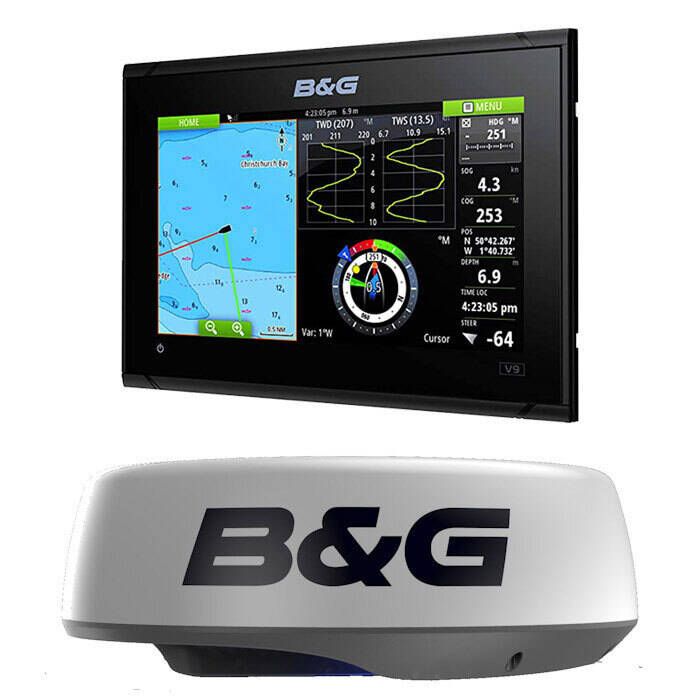
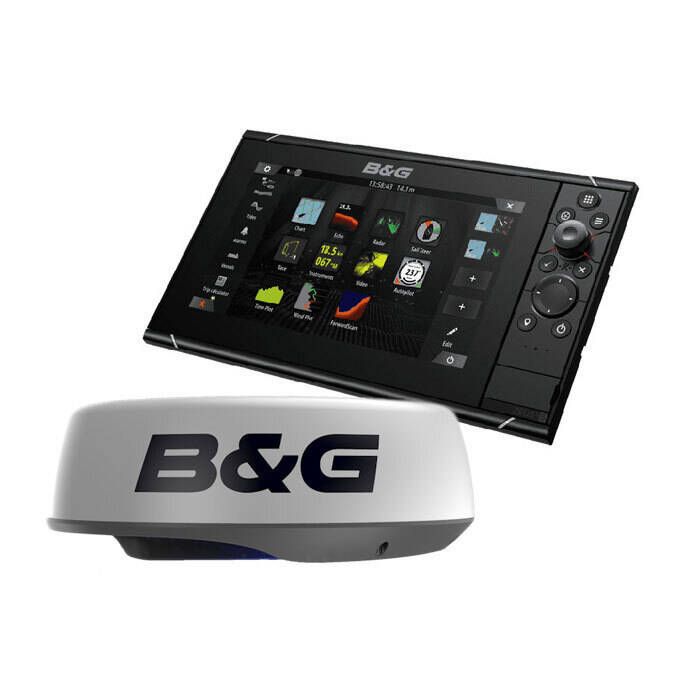
| Key specs & radar support | The Zeus3S is a sailing-focused multifunction display with a bright screen, fast processor, and full Ethernet and NMEA 2000 networking. It supports solid-state radar options designed to integrate cleanly with B&G instruments and navigation systems. Radar, charting, AIS, wind, and autopilot data share a single network built around sailing workflows. |
| What it does best | This system excels at integrating radar into a broader navigation picture that includes AIS, wind data, and autopilot control. Radar overlays remain stable at displacement speeds, which is where sailboats spend most of their time. The interface favors clear presentation over constant interaction, reducing workload on longer passages. |
| Limitations | The Zeus3S is optimized for sailing use and may feel less intuitive for anglers or boats focused on sonar-heavy workflows. Staying within the B&G ecosystem is important to preserve full feature access. Larger offshore radars and complex fishing add-ons are not the focus of this platform. |
| Best boat types | A strong fit for cruising sailboats, performance sailboats, and liveaboards that value integration and efficiency. It works especially well on boats with existing B&G instruments and autopilots. Sailboats that prioritize navigation, passage-making, and situational awareness get the most benefit. |
| Recommended accessories | A compatible solid-state radar matched to the Zeus3S provides dependable performance without excessive power draw. Manufacturer-approved Ethernet cabling and a properly built NMEA 2000 backbone are critical for stable integration. Thoughtful display mounting and radar placement improve visibility at the helm and reduce interference with rigging. |
| Category | Practical Takeaway |
| Key specs & radar support | The GO9 XSE is a compact multifunction display with a bright touchscreen and support for Ethernet and NMEA 2000 networking. It pairs directly with the Halo20 solid-state radar, providing Doppler target tracking and instant-on performance. Charting, radar, and AIS integrate cleanly within the Simrad ecosystem without additional hardware. |
| What it does best | This combo offers strong close-range radar performance for the money, especially in traffic and reduced visibility. The interface stays simple and responsive, which makes it easy to use without a learning curve. For most nearshore and inland conditions, it delivers the awareness boaters actually rely on. |
| Limitations to know | The smaller display limits how much information can be shown comfortably at once, especially with split screens. Expansion options are more limited than higher-end Simrad displays, particularly for advanced networking and control features. It performs best when expectations are kept within coastal and nearshore use. |
| Best boat types | A good fit for smaller center consoles, dual consoles, and runabouts. It also suits trailer boats and weekend cruisers where space and budget are tighter. Boats that prioritize simplicity and value over expansion benefit most from this setup. |
| Recommended accessories | The Halo20 radar is the intended match and covers most visibility needs without added complexity. Simrad-approved Ethernet cabling and a properly terminated NMEA 2000 backbone help keep the system stable. A sturdy display mount and a clean radar mounting position improve long-term reliability. |
| Brand | System Philosophy & Integration | Software & Interface Experience |
| Garmin | Emphasizes plug-and-play integration with strong consistency across displays, sensors, and accessories | Straightforward menus with a fast learning curve, making it easy for most boaters to get up and running quickly |
| Raymarine | Focuses on flexible system scaling, allowing boaters to expand or customize setups over time | Balances touchscreen and keypad controls, ideal for mixed conditions like rough seas or cold weather |
| Simrad | Targets performance-driven setups that integrate well with broader marine and NMEA networks | More advanced layouts that reward experienced operators who want deeper control once the system is dialed in |
| Boat Type | What Matters Most | Chartplotter Priorities | Radar Priorities |
| Center console | High speed, standing helm, heavy traffic | Bright, high-contrast displays with simple controls that are easy to read while moving | Fast refresh and clean close-range target separation for traffic and inlets |
| Sailboat | Long hours underway, power management, integration | Efficient displays that integrate cleanly with AIS, autopilot, and instruments | Strong low-speed performance and reliable returns without excessive power draw |
| Trawler / cruiser | Extended runs, low visibility operation, comfort | Larger screens, stable overlays, and clear presentation for long watchstanding | Consistent target tracking in fog, rain, and reduced visibility |
| Bass boat | Tight layouts, shallow water, early-morning conditions | Compact displays with quick access to charts and navigation data | Practical short-range awareness for fog and low-light navigation |
| Operating Area | Typical Conditions | Chartplotter Priorities | Radar Priorities |
| Offshore | Long runs, changing weather, limited visual references | Larger displays, stable charting, and clear presentation at speed | Longer useful range, strong rain-clutter handling, and reliable performance in rough conditions |
| Coastal | Heavy traffic, inlets, and navigation hazards | Fast redraw, clean overlays, and easy access to navigation data | Strong close-range target separation and dependable performance around land and structures |
| Inland / Lakes | Shorter runs, fog, low light, and tight waterways | Compact, high-contrast displays with simple navigation views | Practical short-range awareness for fog and low visibility rather than maximum range |
| Radar Factor | Practical Difference | Best Fit |
| Dome radar | Compact, lighter, and easier to mount with lower power draw | Smaller boats, simpler installs, and operators who prioritize ease over extreme range |
| Open-array radar | Larger antenna with more power and better long-range definition | Bigger boats, offshore use, and setups where space and budget allow |
| Power output | Higher power improves penetration through rain and clutter but increases draw and complexity | Match power to real conditions instead of assuming more is always better |
| Range considerations | Longer range sounds useful but can clutter the screen if rarely needed | Choose range that matches typical runs and visibility, not edge cases |
| Consideration | What Matters in Practice |
| Power requirements | Modern displays and radars are sensitive to voltage drop and electrical noise, especially at startup. Dedicated circuits, proper wire gauge, and clean grounding prevent random reboots and radar dropouts. |
| NMEA 2000 & Ethernet networking | Most systems rely on NMEA 2000 for data sharing and Ethernet for radar and chart syncing. A properly terminated backbone and manufacturer-approved Ethernet cabling keep data stable and latency low. |
| Mounting & antenna placement | Displays need to be readable from the normal operating position without glare or awkward reach. Radar antennas must be mounted high, level, and clear of obstructions to avoid blind spots and distorted returns. |
| DIY vs professional install | Straightforward replacements and basic networks are often within reach of experienced DIY boaters with the right diagrams and tools. More complex installs involving radar, networking, and power distribution may benefit from professional help, especially when following established wiring and installation best practices from Defender’s wiring guides. |
| Mistake | Why It Causes Problems | Better Approach |
| Undersizing displays | Small screens force zooming, menu digging, and cluttered overlays, especially when radar and charts share space. Readability drops fast in sun, spray, and motion. | Choose a screen size that can be read instantly from the normal operating position, with enough space for split-screen views if radar will be used regularly. |
| Mixing incompatible ecosystems | Some features only work inside a single brand network, and partial compatibility often means missing radar functions, unstable data, or extra adapters. Troubleshooting becomes harder because support gets fragmented. | Commit to one ecosystem for core functions, then add peripherals only after confirming they integrate cleanly with the display and network standards on board. |
| Ignoring power draw | Voltage drop and electrical noise can cause random reboots, radar dropouts, or weak performance during startup. Problems often show up only under load, like when pumps, windlass, or engines are running. | Plan power like a system, not an accessory: dedicated circuits, proper wire gauge, clean grounding, and protection sized for the full load. |
| Poor antenna placement | Radar performance depends heavily on height, level mounting, and clear line of sight. Bad placement creates blind spots and distorted returns, reducing useful range and target definition. | Mount high and clear where possible, keep the scanner level, and avoid structures that block the beam. Confirm clear rotation and safe cable routing. |